
Your tag.
From setup to a tap.
Activate it, test it, then take it along. You can change the saved contact details later without replacing the physical tag.
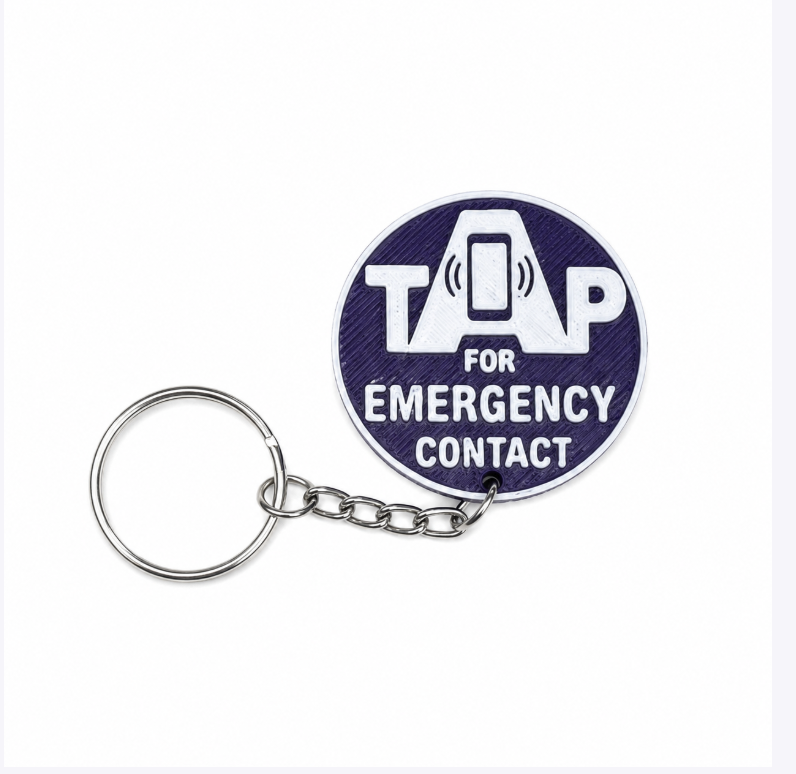
What it actually looks like
Set it up. Change it whenever life changes.
No app to download and nothing to charge. A tag is a web page only you can edit — and a tap is all it takes for someone to reach you.
Illustrative screens based on the product interface. All contact numbers, travel notes and medical details shown here are fictional examples, not Piper’s personal information. These are not live accounts.
Activate before use
Make this tag ready to help.
Attach it to a loved one, their bag, or their jacket. If someone finds them, a tap can help them reach you.
Name
Who is this tag for?
Phone number
Who should a stranger call?
Email address
We'll email your tag link.
Step one
Activate it yourself
Tap with a compatible NFC phone and follow the activation instructions. Have your name, phone, email and any supplied activation code ready.
Indigo KinTag · Personal Safety
Piper Hamilton
Emergency contact — please call or text below.
Contact number
(306) 555-0142
Important details
Away until Aug 30 — staying at the Cedar Lodge in Waskesiu. Please call Mum first.
Allergies
Peanuts
Step two
What a stranger sees
One tap opens this. They can call or text you immediately, and see only what you chose to share.
Your account
Your tags
thom@example.ca
Piper — backpack
ActiveFor Piper Hamilton
/t/quiet-river-84 ↗
Piper — winter coat
ActiveFor Piper Hamilton
/t/bright-cedar-21 ↗
Dad — keys
ActiveFor William Hamilton
/t/still-harbour-57 ↗
Any time after
Yours to change
Sign in, edit, done. The tag never changes — the information behind it does, the moment you save it.
The tag stays the same. What it says is up to you.
Everything behind the tag can be changed from your dashboard whenever you need it, and it’s live the moment you save. Heading away for a week? Add where you’re staying and which number to try first. Back home? Take it off again. New medication, a new caregiver, a phone number that changed — same two minutes.
The additional profile fields are optional. A name and one phone number can be enough for the public contact page. Add only what matters for your situation — the person who finds them sees exactly that, and nothing else.
Yours to fill in, or not
Activation also requires an email and consent. Additional profile details are optional, and can be added or removed at any time.
See it work
One tap. That’s the whole thing.
No app to install, nothing to pair, nothing to charge. Someone holds their phone to the tag and your contact page opens.
Filmed on a phone, not in a studio.
Before you take it along.
- Use a compatible NFC phone with an internet connection to open the tag.
- Follow the activation instructions. You’ll need a name, contact phone number, email address and the required consent. Enter an activation code if your order includes one.
- Tap again to check what a helper sees. Check the number carefully and test the contact action with your family.
- Attach the tag securely using the accessory’s instructions.
Optional pre-programming is available at checkout. Follow the instructions supplied with your order, because the activation steps can vary.